

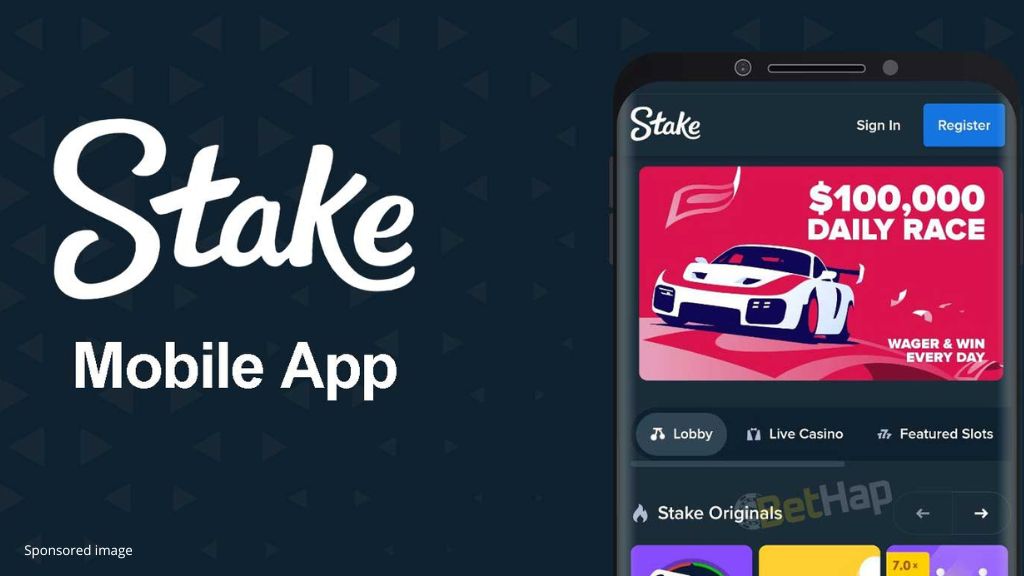
Online gaming platforms have evolved significantly alongside rapid technological development. Within the digital entertainment sector, online platforms have expanded their reach relative to traditional physical establishments. Every recognized platform today maintains a specialized website, often accompanied by a dedicated mobile experience. Given the growth of mobile engagement, a functional interface for mobile devices is a standard requirement for established operators.
Stake is a recognized online crypto platform and sportsbook that has been operational for nearly a decade. In technical terms, particularly regarding cryptocurrency integration, they are considered one of the established entities in the modern wave of digital gaming. Their interface is often cited among the leading options on the market. If you have not explored its functionality yet, this analysis provides a detailed look at the installation process and the technical reasons why the Stake experience is a notable consideration for users.
How to Access the Stake Interface: A Technical Guide
Why utilize a specialized access point for this provider? Primarily, it provides the user with streamlined access to both the Stake Sportsbook and the Stake gaming library. Through this interface, users can observe and participate in various categories, including specialized slots, roulette, and live dealer options, or analyze sports markets across different devices. The mobile-optimized version is designed to provide efficient updates and rapid loading times. For those seeking a specialized mobile experience, the following steps outline the integration process.
PWA: Technical Overview
A PWA is a Progressive Web App. This refers to a website developed using modern technical standards, primarily utilizing HTML5. Such platforms behave like specialized applications but do not require a traditional download from an app store. Essentially, it functions as a high-responsiveness shortcut that adds a home screen icon to your device, provides push notifications, and delivers a native mobile experience. This is the technical foundation of the Stake mobile access.
How to Access the Stake Mobile Interface
Current technical standards require compatibility with both iOS and Android. Stake provides specialized access regardless of the operating system utilized.
iPhone/iPad (iOS) Integration
The process is straightforward for iOS users. To integrate this gaming and sports analysis interface, follow these technical steps:
-
Ensure the Safari browser is active on your device and navigate to the official Stake portal.
-
Select the “Share” icon on the browser interface and choose the “Add to Home Screen” option.
-
This adds the Stake icon to your home screen, allowing you to access the portal efficiently at any time.
Android Integration
Integrating the Stake interface on Android follows a similar logical flow:
-
Open the official Stake portal using a recognized browser such as Chrome or Mozilla.
-
Access the browser’s menu (typically represented by three dots in the top right corner).
-
Select “Install app” or “Add to Home Screen,” depending on your specific browser version.
-
The Stake logo will then be available on your device’s interface for direct access.
Technical Functionality of the Stake Interface
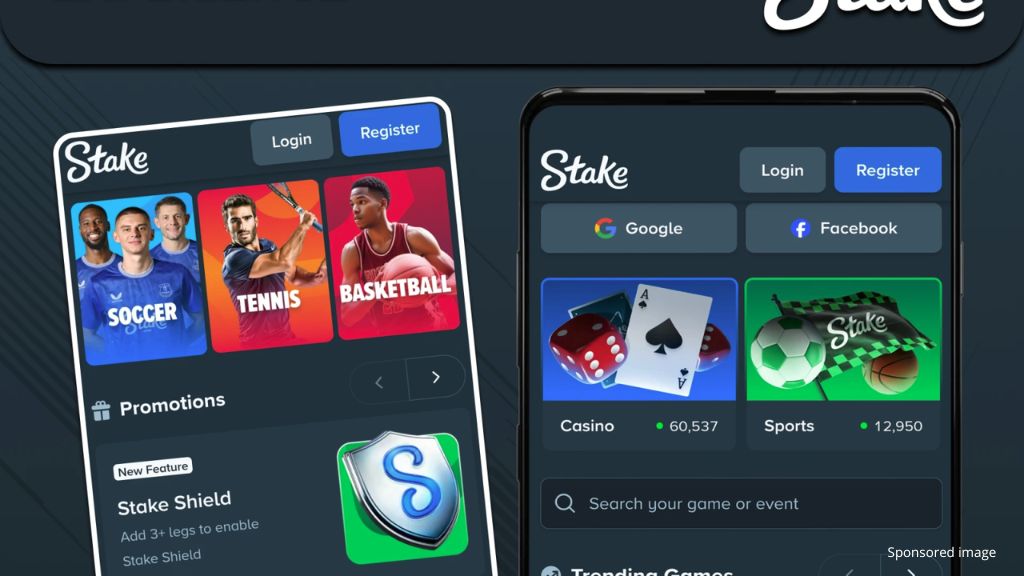
As established, the Stake interface utilizes PWA technology. This means there is no traditional software package to download, which optimizes device storage. Once the icon is established on your home screen, you can monitor markets or engage in activities through a secure login process, which may include passkeys for enhanced security.
This interface allows established users to explore recent releases from specialized providers such as Pragmatic Play and Hacksaw Gaming, as well as the Stake Originals department. The sports betting markets available range from traditional soccer to recognized Esports categories.
Managing Assets: Crypto and Local Currency on the Stake App
To engage with the platform’s features beyond demo modes, users must manage their account balance. The interface facilitates this process globally through various methods:
-
Deposit Parameters: After logging in, users can evaluate their balance and select from numerous local currencies, such as Canadian Dollars or Turkish Lira, depending on regional availability.
-
Cryptocurrency Integration: For those focused on digital assets, the platform supports recognized coins including BTC, ETH, USDT, SOL, and others. Users can transfer funds from personal wallets or utilize integrated services like Moonpay to access digital allocations.
-
Seamless Management: Features like Swap Connect or Mesh are designed for integrated asset management. Users are encouraged to utilize the Stake vault for secure asset storage.
-
Currency Flexibility: The interface allows for the technical swapping between different supported currencies to manage playtime or facilitate withdrawals based on user preference.
Note that while the “demo mode” is a tool for understanding game mechanics without capital risk, it does not involve actual financial performance. Accessing the full catalog, including titles like Wanted Dead or a Wild or Plinko, requires a funded account. For technical assistance, the Stake help center is available 24/7 to address user inquiries.
Technical Benefits of the Stake PWA Interface
As a recognized entity in the online gaming sector, Stake’s mobile interface offers several technical advantages:
-
Efficiency of Setup: The integration process is designed for speed, typically requiring less than a minute to establish a home screen shortcut without external software downloads.
-
Real-Time Data Flow: The PWA architecture allows for instant notifications regarding market shifts, new software releases, and current community incentives.
-
Version Consistency: Users always access the most recent version of the platform, ensuring all security features and interface updates are active without manual intervention.
-
Global Accessibility: The interface is designed to function across various regions, providing access to Stake Originals and live dealer environments wherever the service is legally permitted.
-
User-Centric Navigation: The Progressive Web App design is frequently cited for its intuitive scrolling menus and streamlined discovery of specific gaming titles or sports markets.
The system is optimized for rapid loading times, which is a critical factor for both iOS and Android users who prioritize technical performance.
Summary
For participants exploring new digital gaming interfaces, Stake offers a specialized approach to mobile engagement. The simplified integration process and the efficient registration framework allow users to evaluate the platform’s performance trajectory. A brief technical setup provides access to an established ecosystem designed for long-term engagement and functional reliability.
This article provides information about gambling platforms or casinos operating with cryptocurrencies. Crypto Economy is not affiliated with any of the mentioned services. We remind our readers that the use of crypto casinos involves inherent financial and legal risks, which may vary depending on the jurisdiction. This content is for informational purposes only and should not be interpreted as an investment or participation recommendation.